
Your Processing Payment Portal
Payment Portal The Payment Portal is a dashboard included as part of our payments offering. It allow

 October 13, 2025
Your Store Configuration is an essential part of the LifeSaver Software software where you can define your shop’s key details about your store and production schedule, financial settings, and default settings for your day-to-day business. Keep reading to see how LifeSaver Software Cloud’s Store Configuration helps you streamline daily operations and ensure accurate pricing.
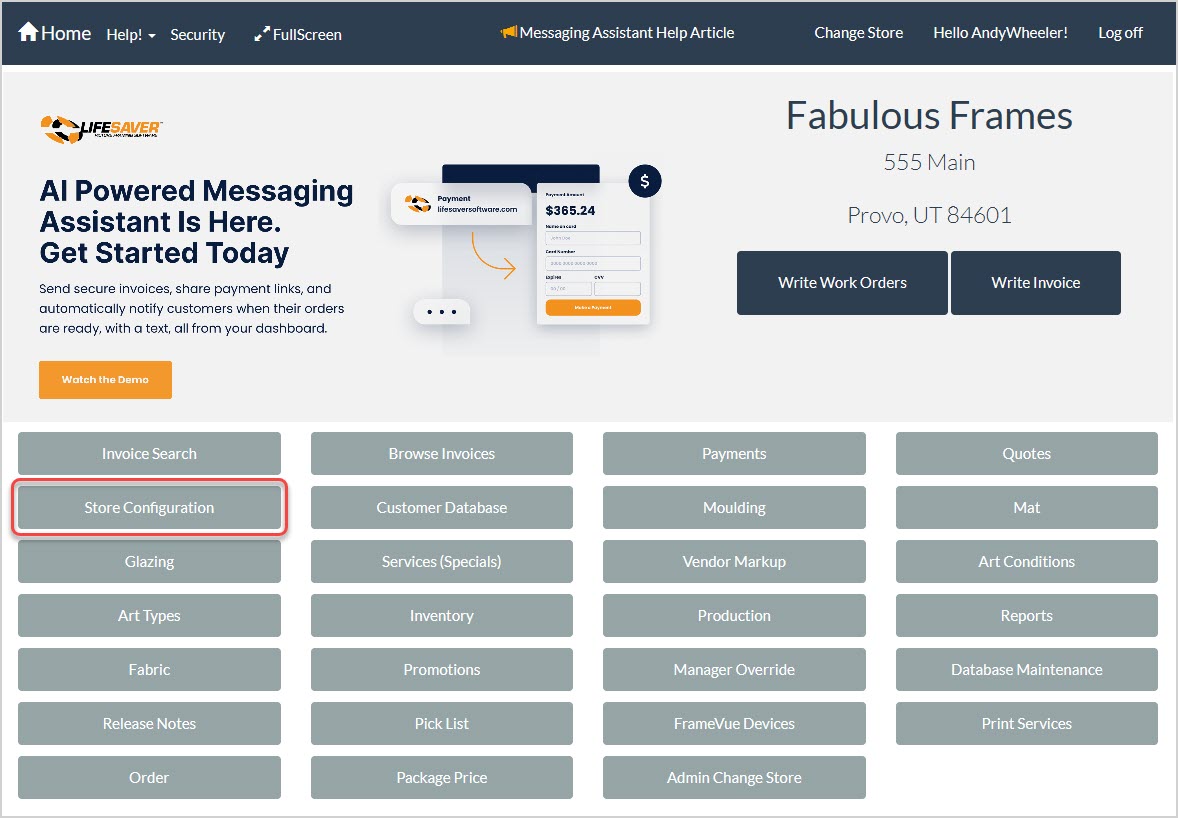
From the Home page, click the Store Configuration button to access the configuration options.
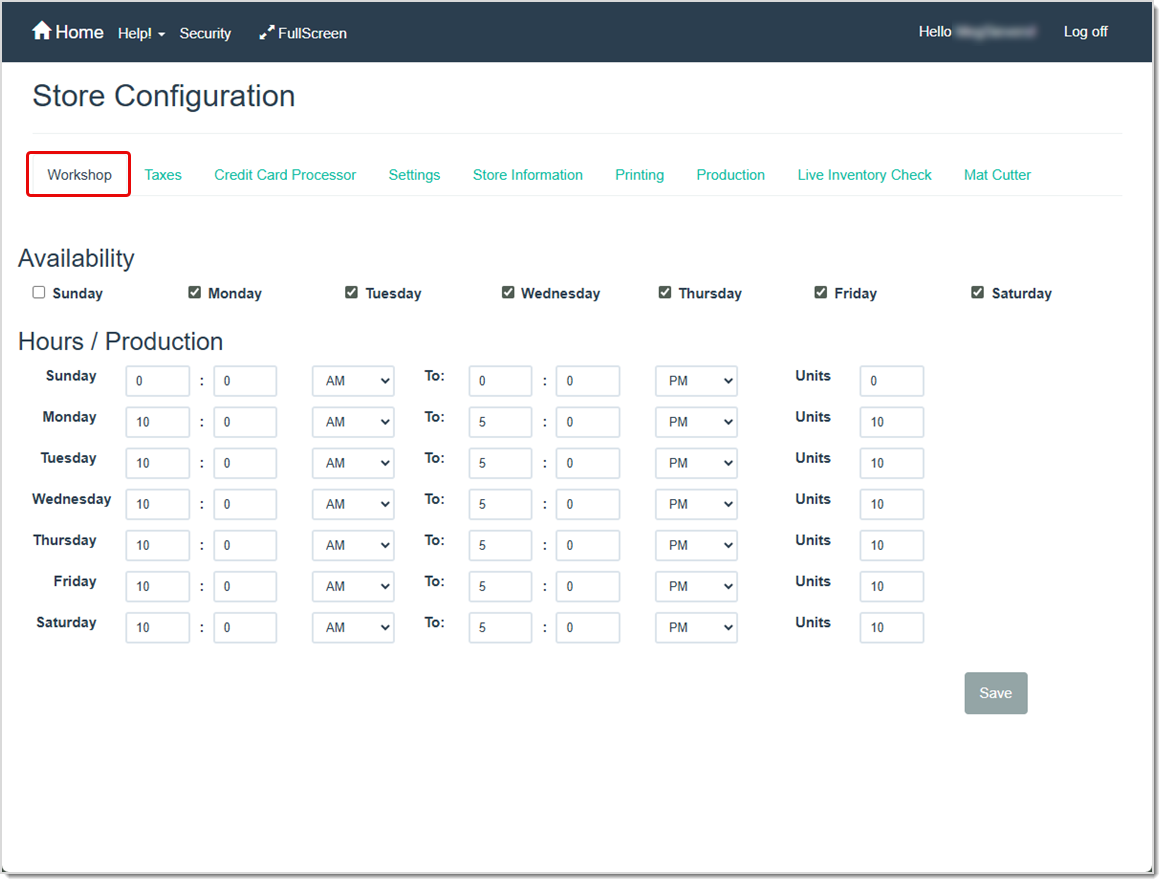
Use the Workshop tab to define your normal business hours and production capacity. LifeSaver Software will use this information to automatically determine production times and due dates for your work orders. Store Configuration - Workshop
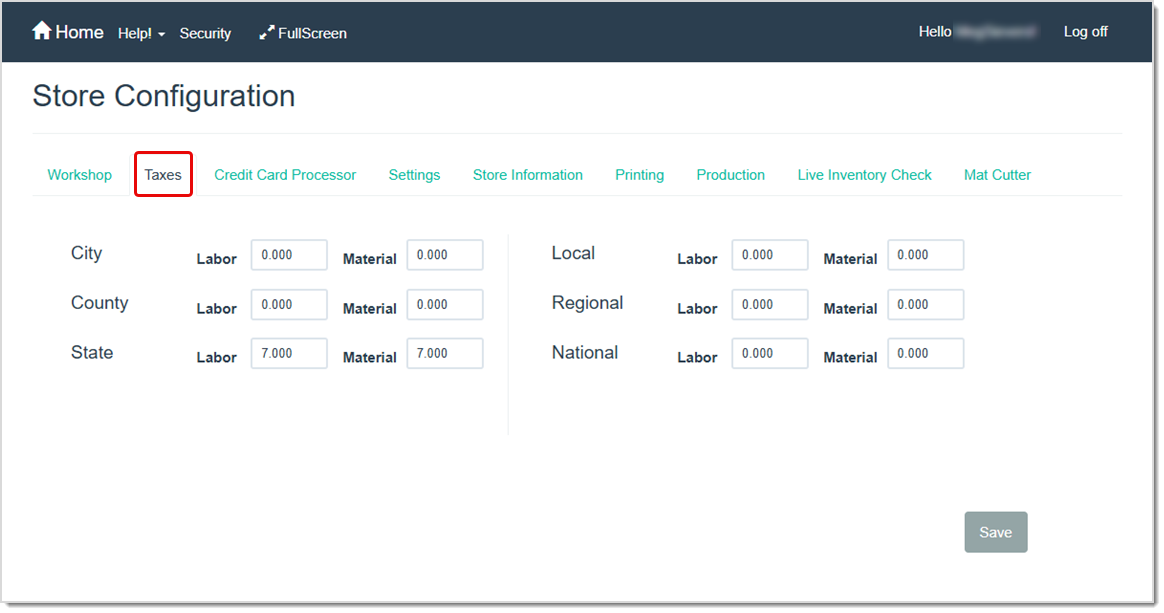
The Taxes tab lets you set labor and material tax rates for your location. Set tax rates to zero if they do not apply in your area. Store Configuration - Taxes
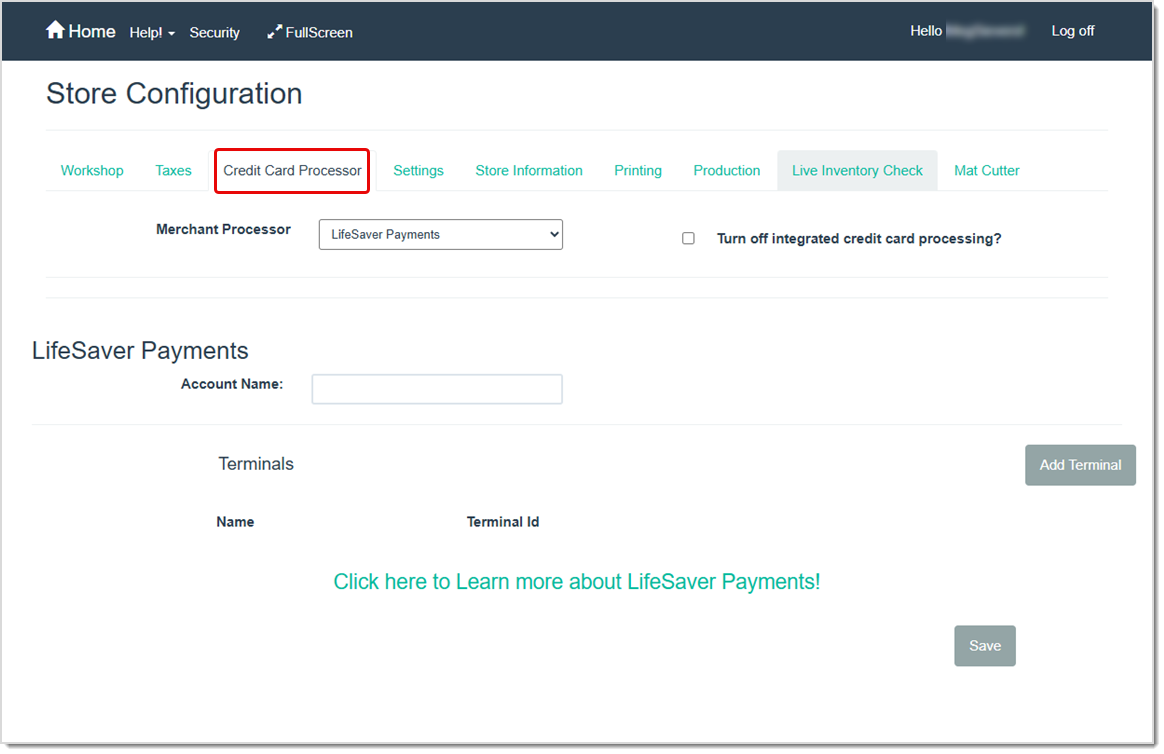
LifeSaver Software Cloud supports integration with LifeSaver Software Payments. A support representative will help you with the settings on the Credit Card Processor tab. Store Configuration - Credit Card Processor

In the Settings tab, you can enable key store rules and defaults such as: mat reveal widths, whether or not a customer is required on each transaction, various payment options to offer on your payment screen, custom payment types, additional fees to charge depending on the material or service, and whether or not to require an art type or art condition when a work order is entered. Store Configuration - Settings
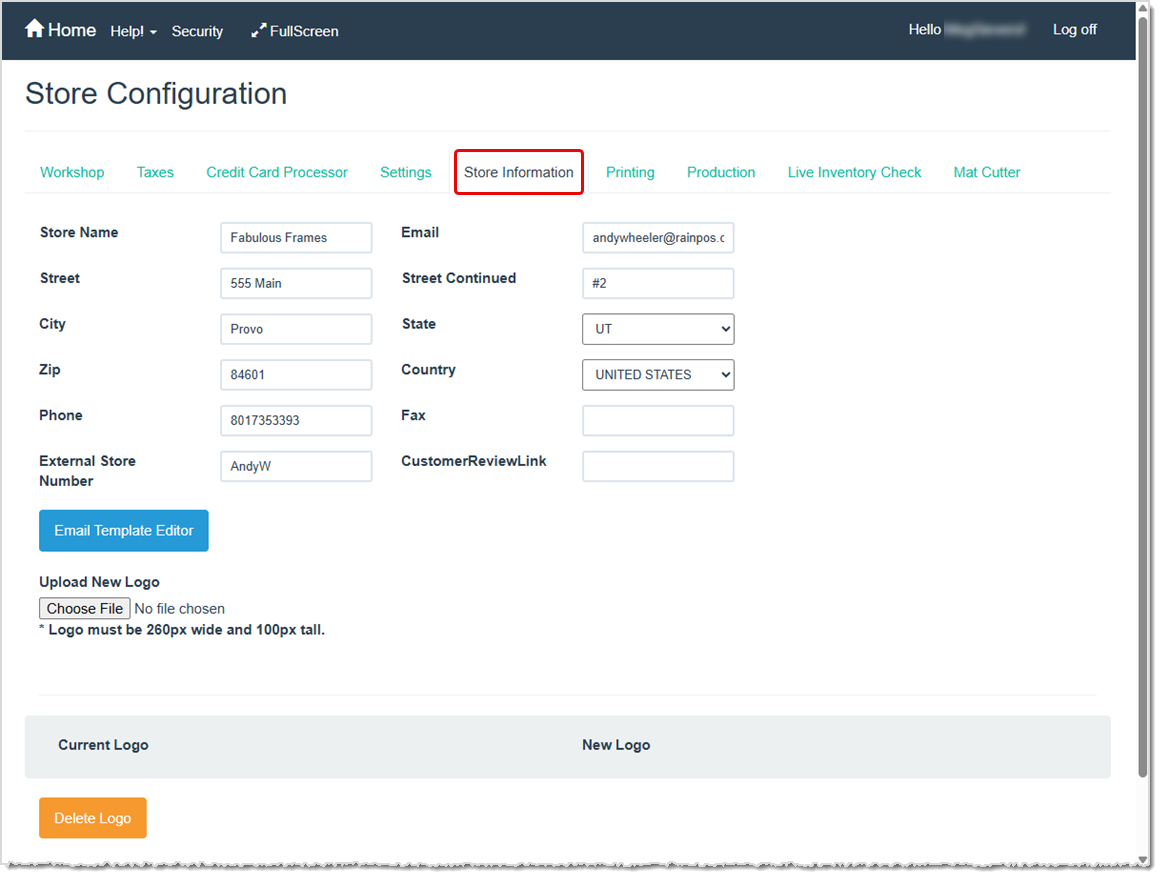
The Store Information tab lets you save your phone, address, or other basic demographic store information, a template for email communications, and your store logo. This information typically appears on printed receipts and internal records, so complete it with up-to-date details. Store Configuration - Store Information
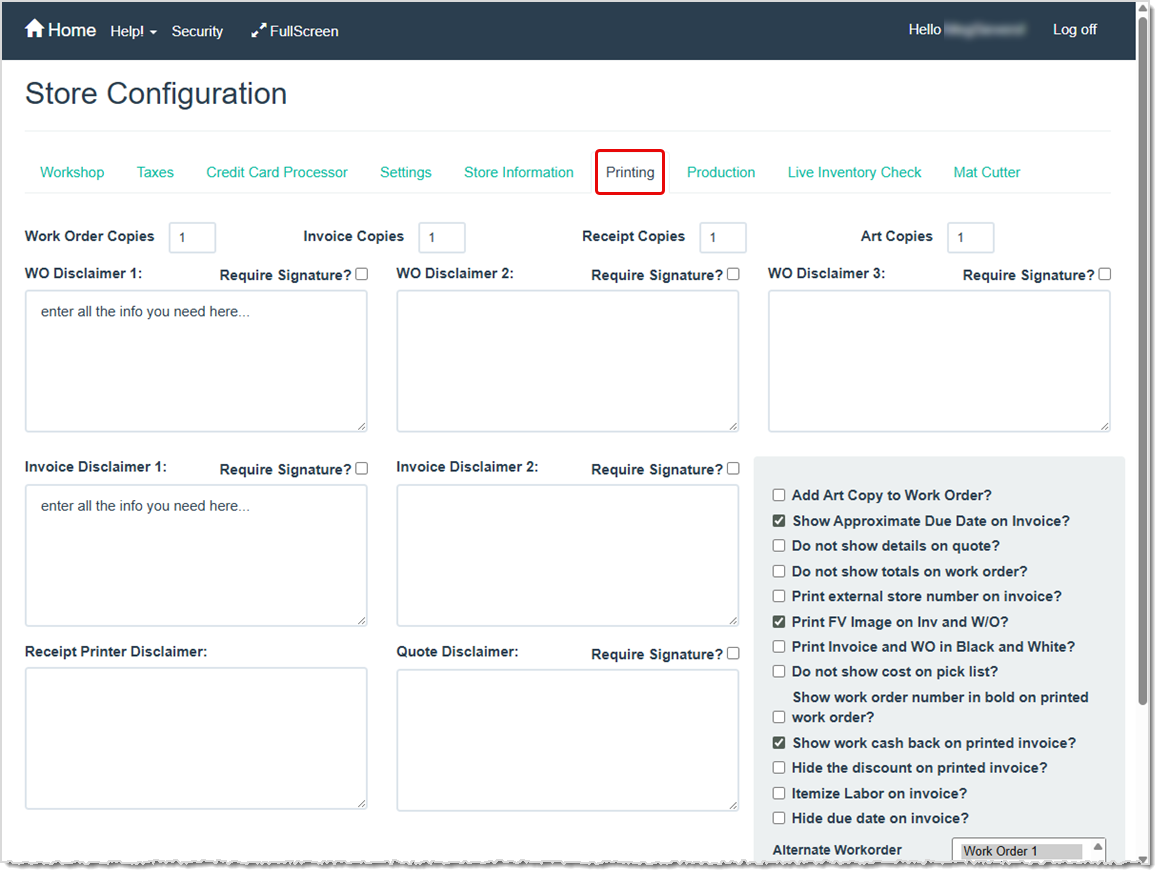
The Printing tab defines your printing-related preferences for work orders, invoices, and receipts. This includes options for default disclaimers, number of copies, color printing, whether to print details, totals, and itemized labor, and many other beneficial options. Store Configuration - Printing
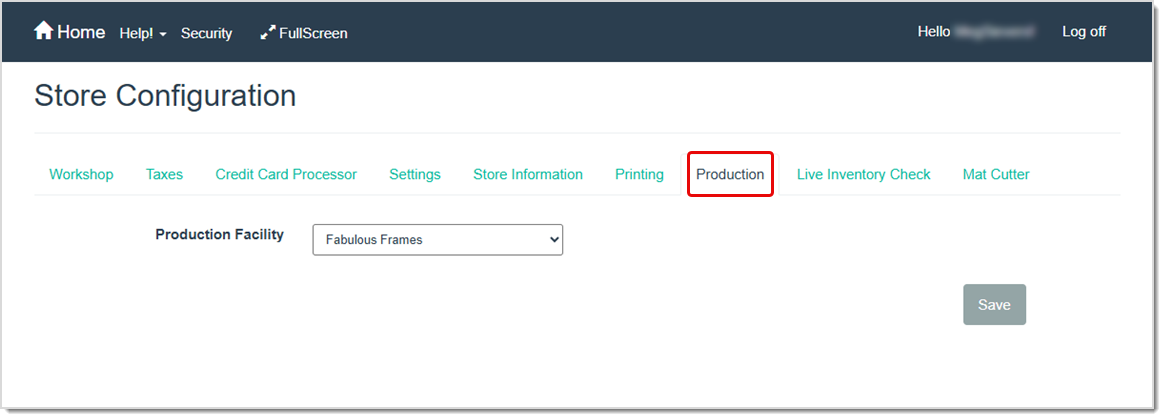
The Production tab is for multi-store users. If you have more than one store location, you can designate a central production facility to route orders from multiple store locations to one manufacturing facility. Store Configuration - Production
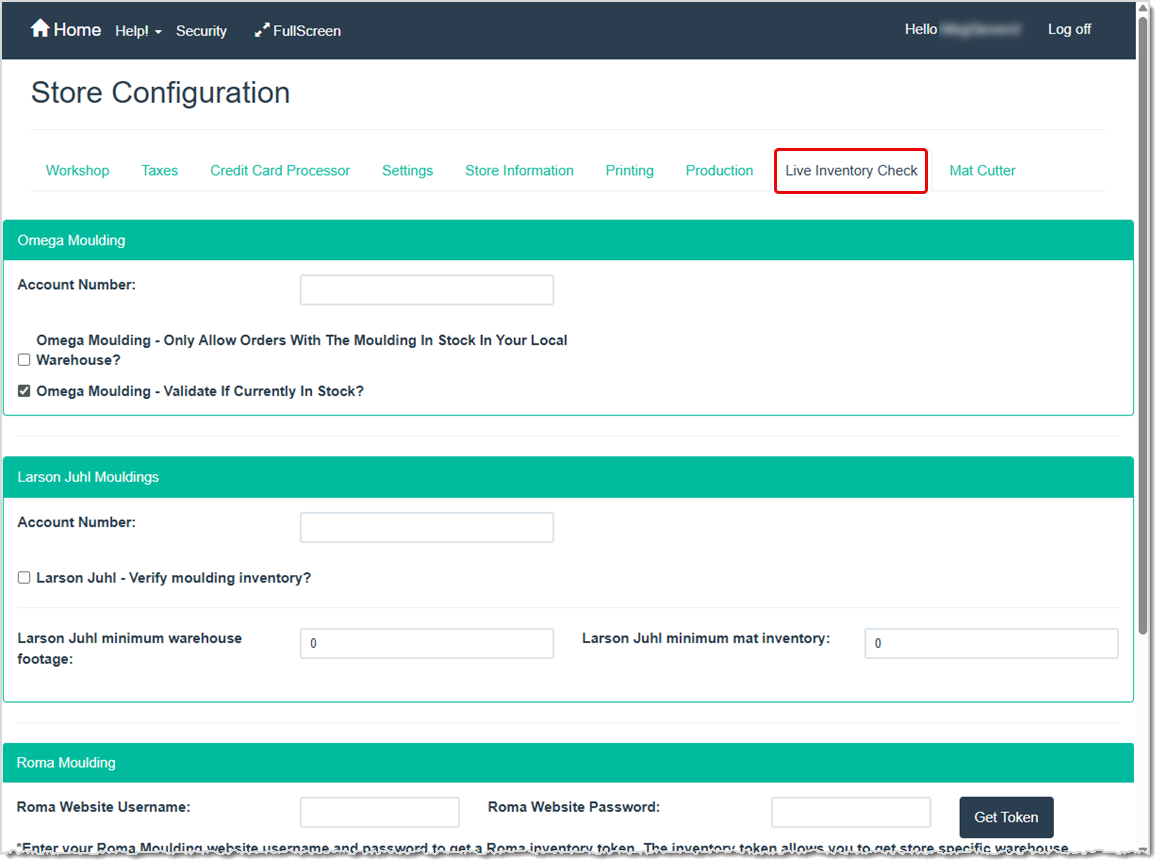
The Live Inventory Check tab allows you to verify warehouse moulding availability in real time for the following vendors: Omega Moulding, Larson-Juhl, and Roma Moulding. Store Configuration - Live Inventory Check
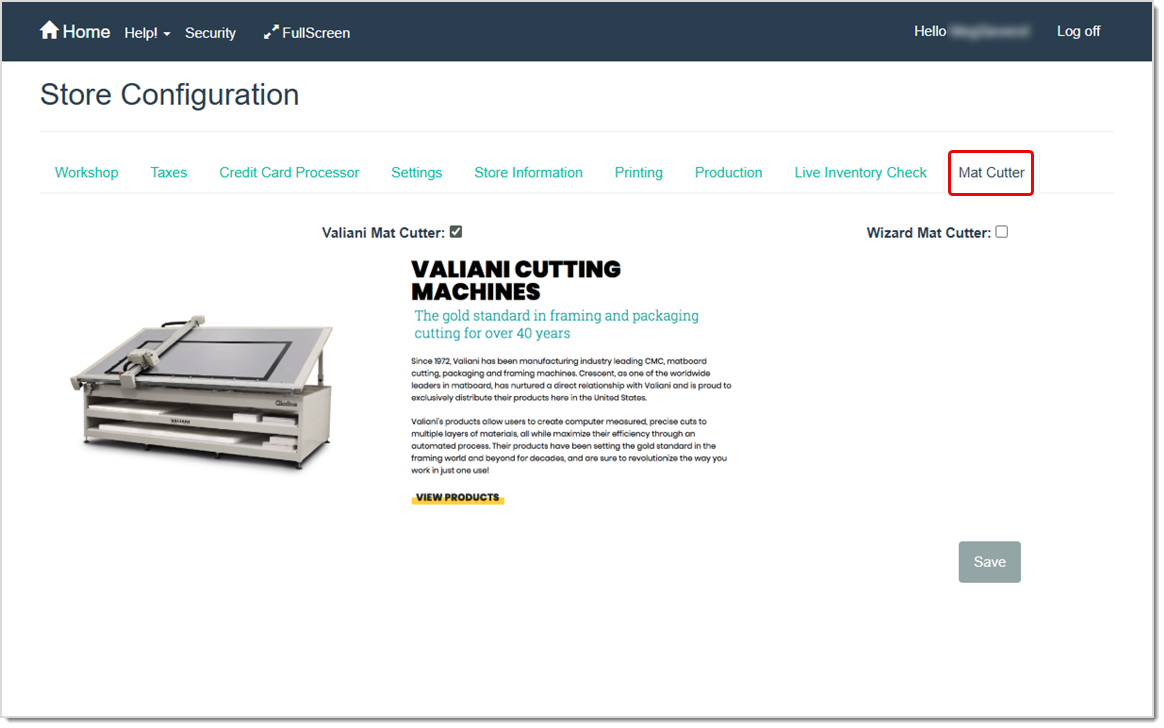
The Mat Cutter tab allows you to establish integration between the LifeSaver Software software and your Valiani or Wizard computerized mat cutter. If you do not use products from either of these companies you do not need to use this tab. Store Configuration - Mat Cutter
Q: Do I have to fill out every tab in Store Configuration before writing orders?
A: You should at least configure your production units in the Workshop tab and set tax rates before writing orders. Otherwise, your default deadlines or pricing may be inaccurate.
Q: Can I change my Store Configuration settings later?
A: Yes. You can reopen Store Configuration at any time to make adjustments as your shop’s needs evolve.
Q: I have a question, but I can't find my answer here, how do I get more assistance?
A: You can ask any question at the link below, once received one of our technicians will be in touch! If you need immediate assistance, the LifeSaver Software team is available Monday through Friday, from 9:00am to 6:00pm Eastern time. Feel free to contact our support team at: 1-800-381-0600, extension 2. Or you can email us at support@lifesaversoft.com and we will respond within 24-hours.
Is this page helpful?
×Help us improve our articles