
Payments Hardware Network Requirements
LifeSaver Software Payments card terminals and POS software are cloud-based. A stable internet conne

 August 18, 2026
If you need to round cash prices to the nearest five-cents, the LifeSaver Framing Software system has you covered. This article will show you how you can set that up so it will round up or down to the nearest nickel.
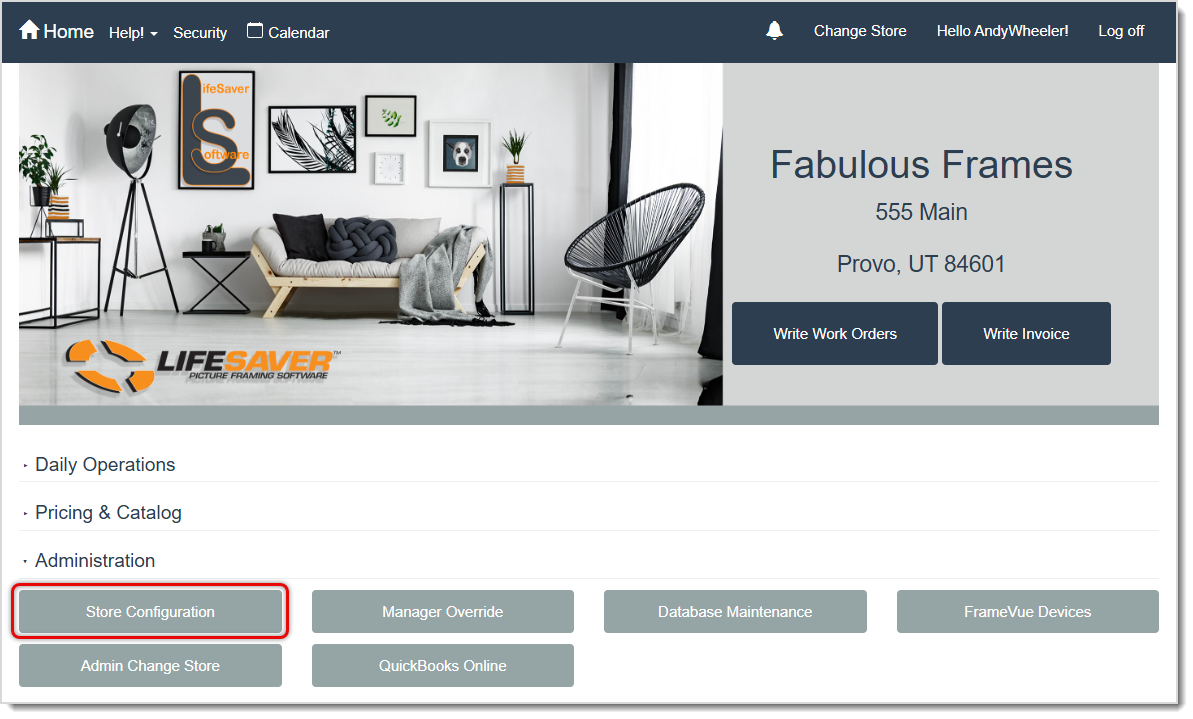
To start, log into the system Admin and in the Administration area of the main menu, go to Store Configuration.
On the Store Configuration page, go to the Settings tab.
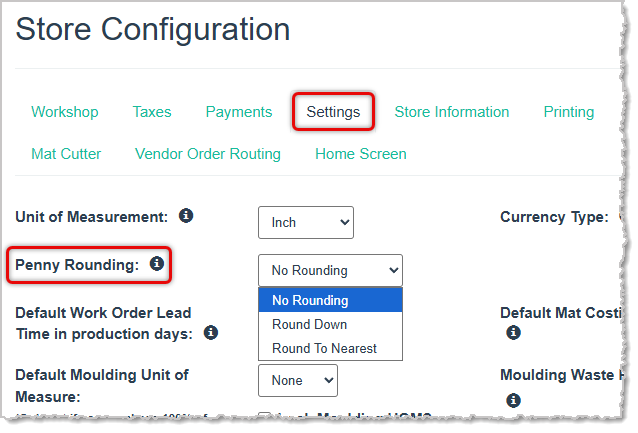
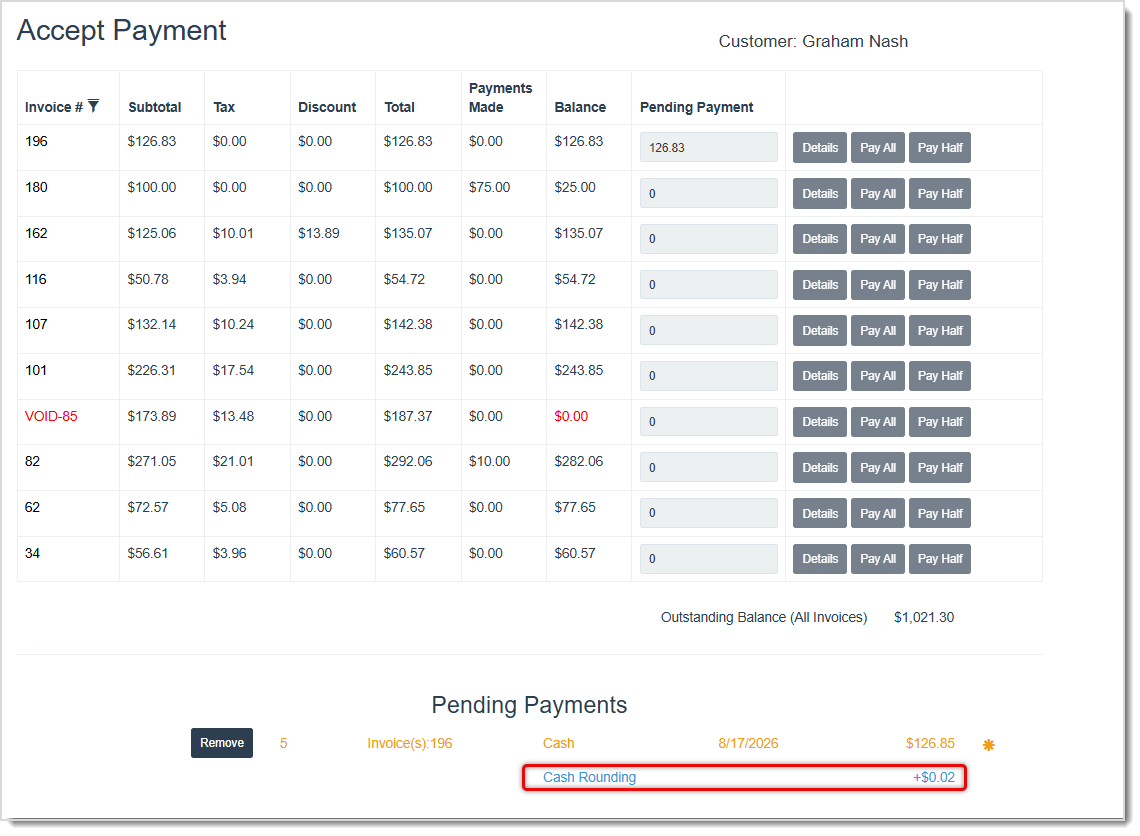
You'll find the Penny Rounding setting near the upper left. Select Round Down if you want cash payment amounts ending in .04 or less to round down. Select Round to Nearest and amounts ending in .02 and .01 will round down, while amounts ending in .03 and .04 will round up. When taking a Cash payment (this is only for Cash), you'll see the rounding adjustment, as pictured below.
Is this page helpful?
×Help us improve our articles